Set up your watch from here
Pin a stop, set home and pick favourites on a proper keyboard — then they appear on your Garmin.
Link a watch
The code is on the watch: open Departures, hold Up (or press Menu) → Link to website.
New to Departures?
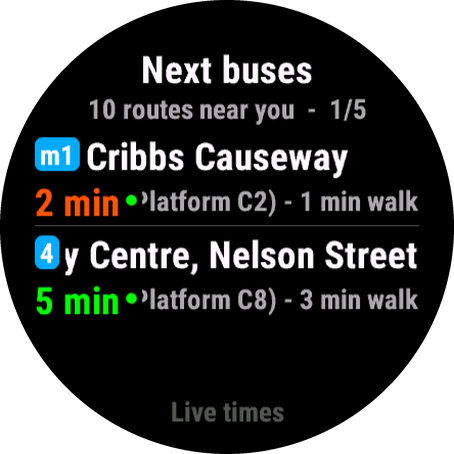
The guide explains every screen, setting and background feature, and which cities have live times. Read the guide.
How it works
Get a code on the watch
Open the widget, hold Up (or Menu) and choose Link to website. The watch shows a 6-character code that lasts 15 minutes.
Type it in above
That opens a private page for your watch. Bookmark it — it's remembered on this browser too. Nothing to sign up for.
Save, and the watch follows
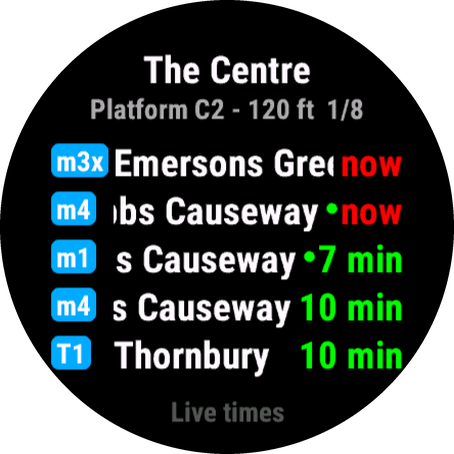
Set a fixed stop, home, favourites and the watch's own settings (notifications, commute times, update speed), press Save to watch. Next time the widget refreshes it picks them up.
What you can set
 Fixed stop
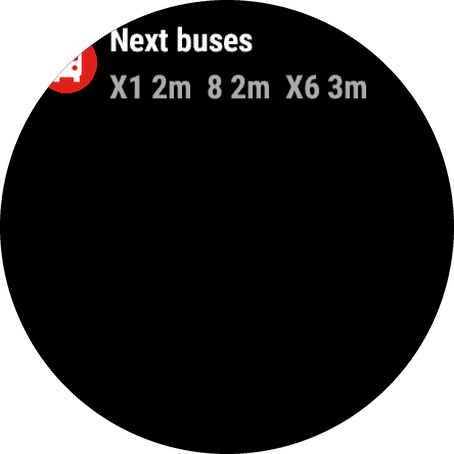
The glance and widget always show this stop — handy for the stop outside work or home.
 Home
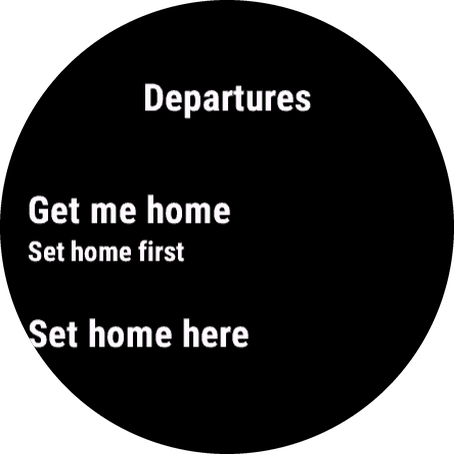
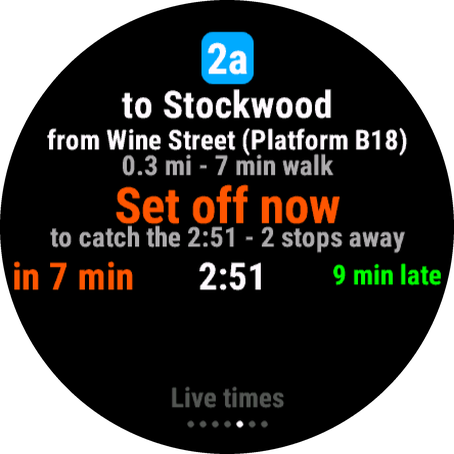
Powers Get me home: the quickest way back from wherever you are, with a set-off time.
 Favourites
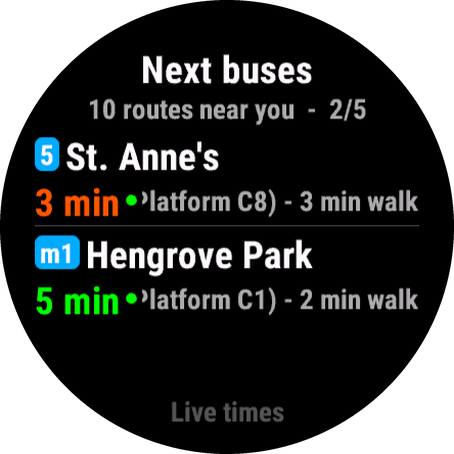
Up to six stops. When you're near one it takes over, showing only the routes you chose.
Everything else stays automaticAway from your stops the widget shows what's near you, as usual.
Ask for your area
Times not live where you are, or nothing at all? Tell us the city, region or country. If you know of an official open data feed for it (a GTFS-realtime URL, an operator's developer page), add the link and it jumps the queue.
Questions
Do I need an account?
No. The code links the watch to this page, and the page's link is your key. Keep it to yourself, or unlink the watch at any time.
Does it cost anything?
No. Departures is free, with no adverts, no paid features and no account. Running the server and the data feeds behind it does cost money, so if you find it useful, a donation towards the running costs is appreciated, but never needed. Much of the timetable data comes from Transitous, a free community-run service, which you can support directly too.
How long until the watch changes?
The next time the widget fetches departures — open it, or wait for the background update (every 10 minutes by default). You'll see "Saved — the watch updates on its next refresh" here, and this page shows when the watch has collected the new settings.
What about settings I made on the watch itself?
Saving here replaces the watch's own fixed stop, home and favourites. A Fixed stop code typed into the Garmin Connect phone settings still takes priority, and the watch's own Settings → Fixed stop switch turns either off.
Which watches and app versions?
Any watch running Departures 0.0.5 or newer. Older versions have no Link to website item — update the app from the Connect IQ store. The watch settings section needs 0.0.9 or newer.
Where do the disruption notices come from?
For stops in England they come from the Bus Open Data Service's disruptions feed, which bus operators and councils post into (First, Stagecoach and others). The watch shows the same notices as an orange ! and can notify you about them.
What do you store?
An anonymous id the app makes up (not your Garmin id), the settings you save here, and a 30-day log of requests with the position rounded to about a kilometre. No names, emails or accounts. Full details in the privacy policy.